0.10.0/alpha
MIKE OS is a complete operating system. Its own kernel build, no systemd, and a package manager, shell and desktop written for it.
x86_64 · UEFI only · Secure Boot off
New in 0.10.0
Most of this release is not new features: it is hardware that said it worked and did not. Each item below is a real failure that left no error message behind — which is why they lasted so long.
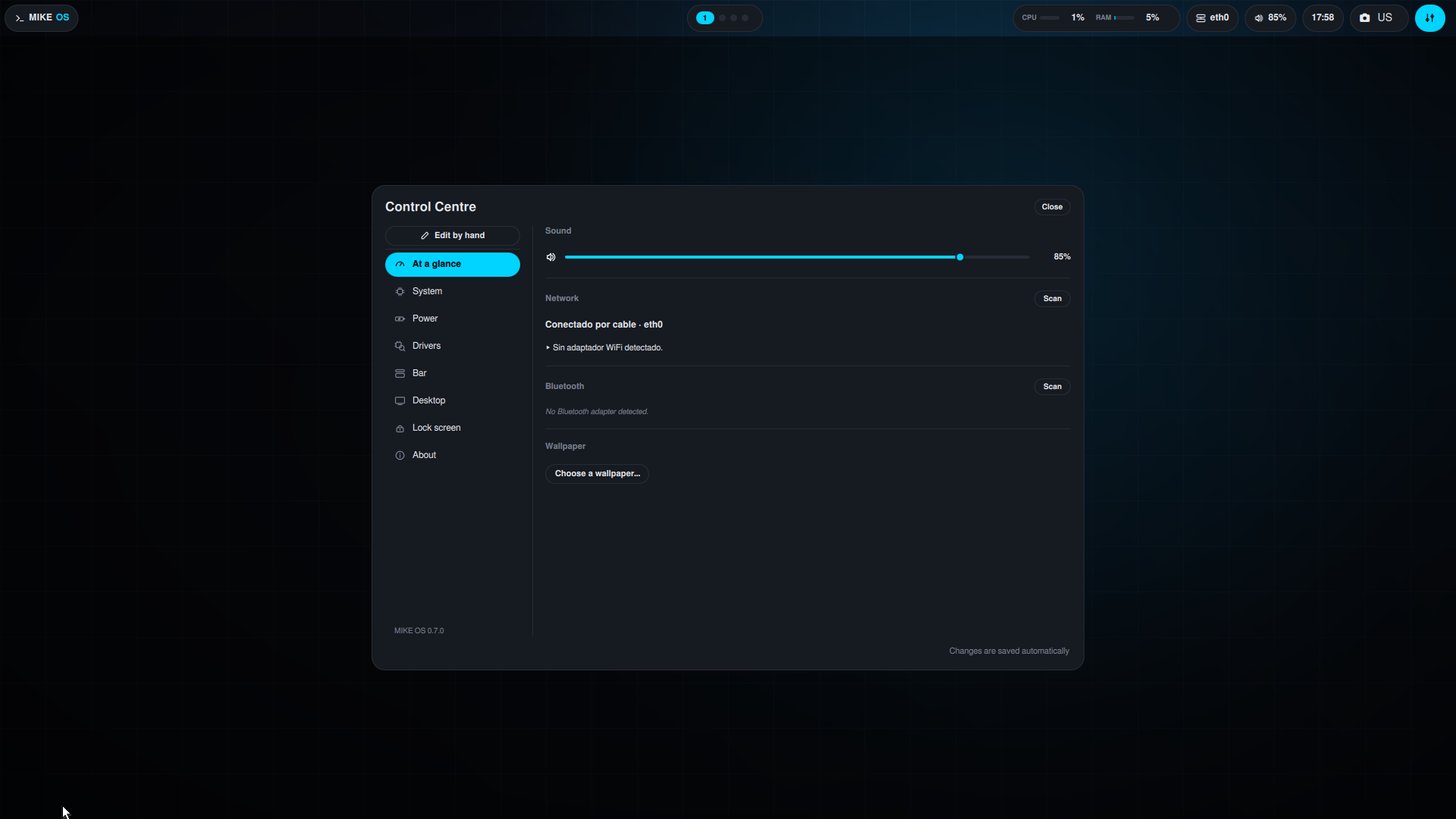
Maximum, balanced, saving, or automatic. On a desktop, automatic already means maximum: nothing sleeps and the CPU never steps down. On a laptop you also choose what closing the lid does — and suspend is only offered if your machine actually advertises it.
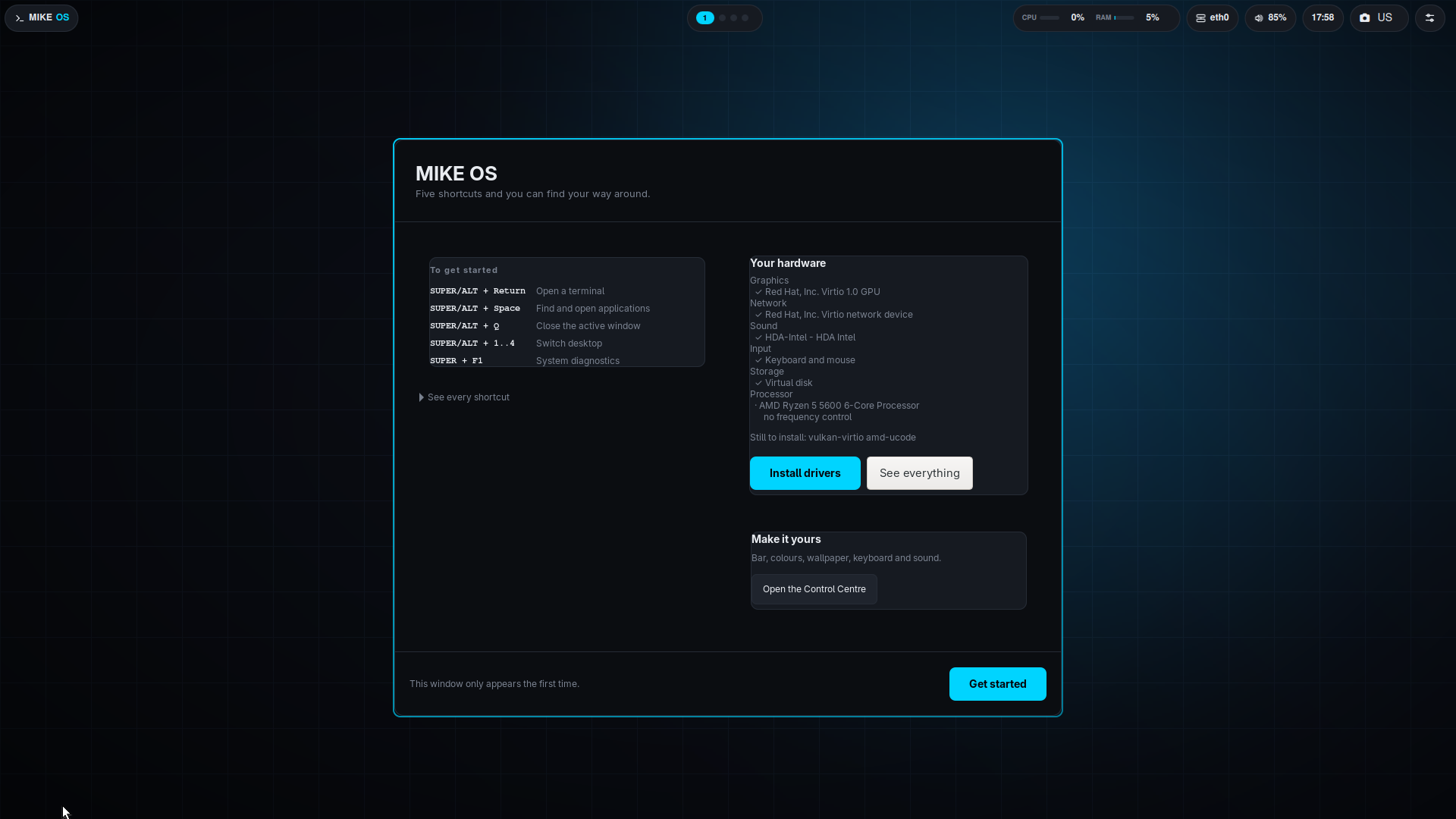
Scans graphics, wired and USB networking, Bluetooth, sound, input, camera, disks, CPU and battery, and says which of four states each one is in: working, no driver, missing firmware, or detected but stopped. Four different faults that used to look identical.
The firmware was there all along. btusb binds to the
adapter before asking for it, so from /sys a dead
adapter was indistinguishable from a healthy one. It is now rescued by
rebinding the driver once the real filesystem is mounted.
XWayland was dying at startup because xkbcomp was not in
the image, so it could not compile its keymap — but DISPLAY
stayed set, so anything using X11 failed much later talking about
OpenGL. Minecraft was the visible casualty.
The core package shipped m-sudo without its setuid bit.
The first mpm upgrade on any installed system would have
left you unable to become root or unlock the screen — and fixing it
needed the very sudo it had just broken.
scp to a MIKE OS machine failed, because
sftp-server was missing and the error named a path without
saying a program was absent. It ships now.
MIKE OS is not a distribution with a new theme on top. The kernel is configured and compiled here, the init is runit, and the package manager, the shell, the terminal and the desktop are written for this system.
Up to the previous version you had to know that a command called
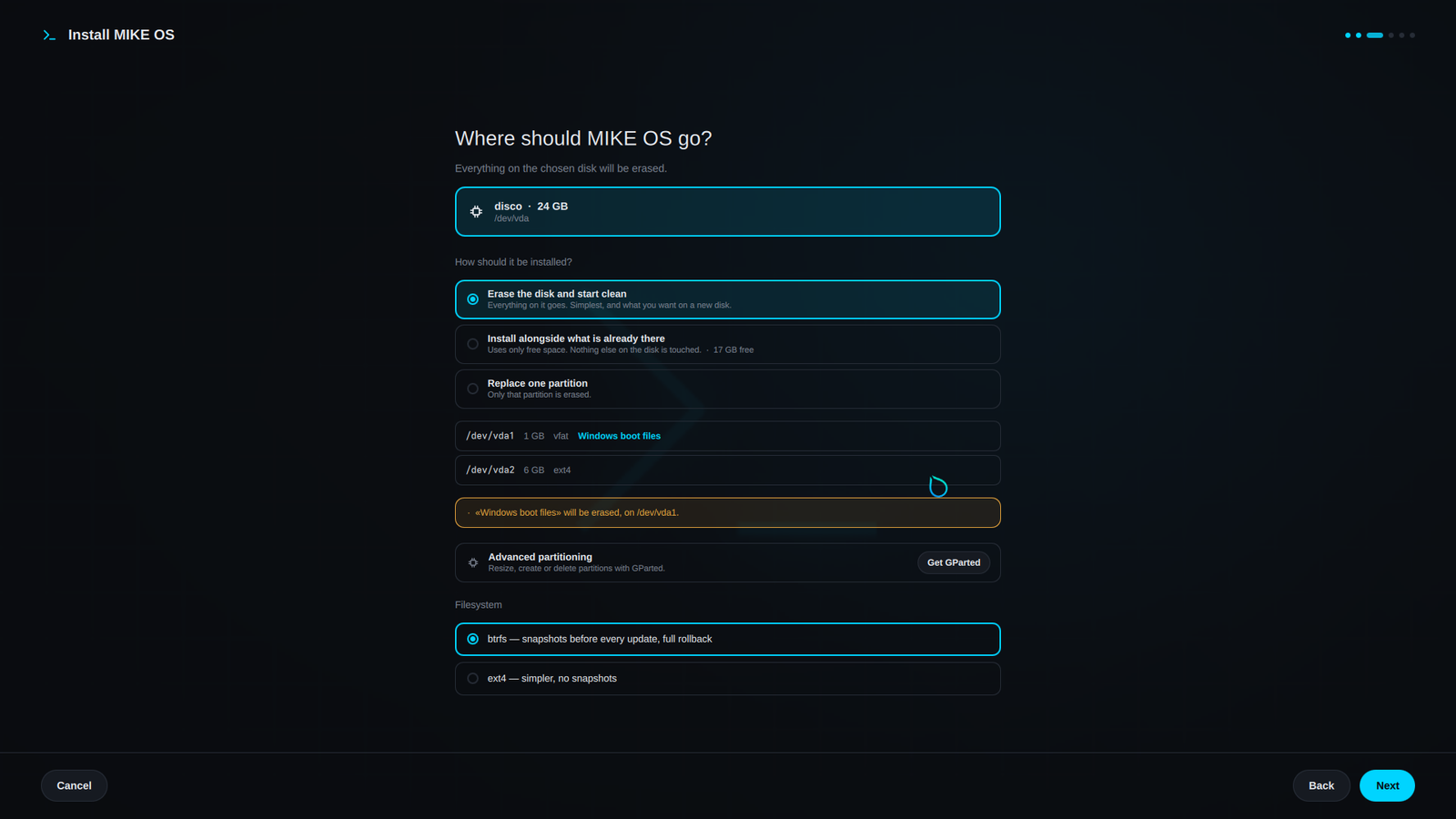
m-install existed. There is now a graphical installer: it
finds the disk on its own, shows you what is on it, and tells you what you
are about to erase before erasing it.
It uses the free space and touches nothing that is already there. Any EFI partition it finds is kept exactly as it is, with the Windows boot loader inside: that is what makes Windows keep appearing in the menu instead of "disappearing". GRUB adds it on its own when the install finishes.
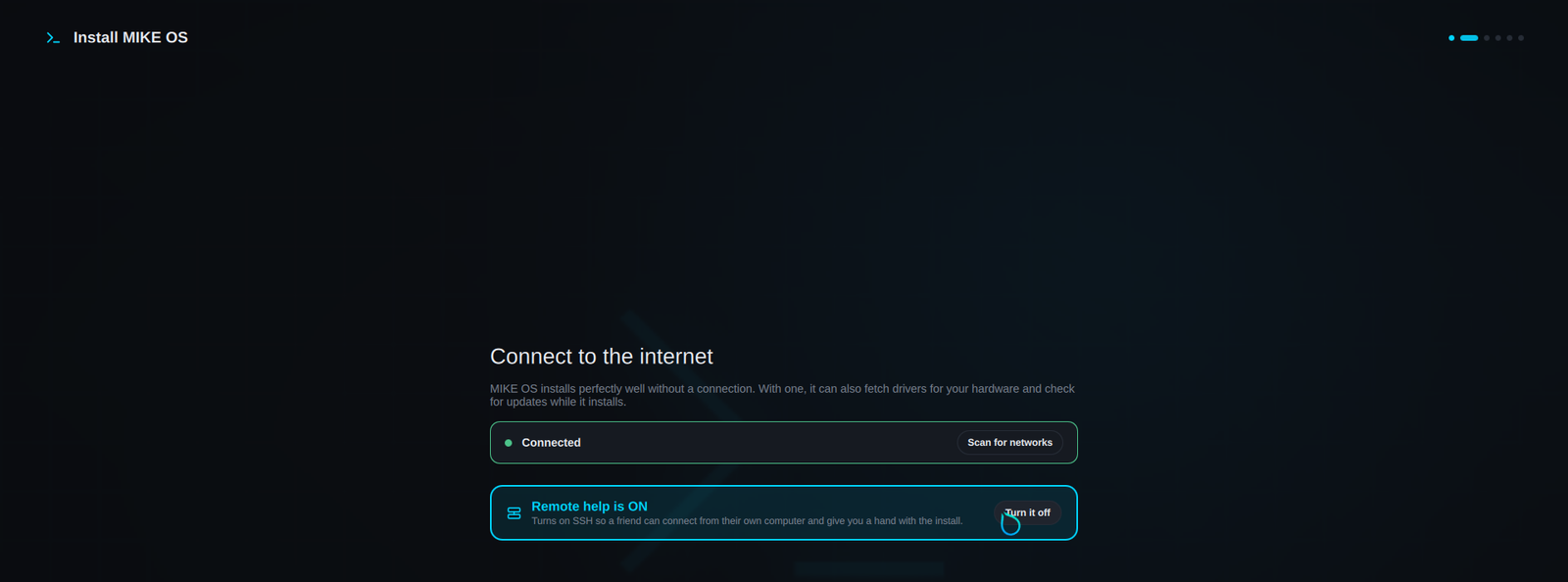
If you get stuck installing, the network step turns on SSH, creates a temporary four-letter account and shows you the exact command and password to read out over the phone. Turning it off deletes the account.
Check the device letter before you run this: it erases the whole stick.
sudo dd if=mikeos.iso of=/dev/sdX bs=4M status=progress oflag=sync
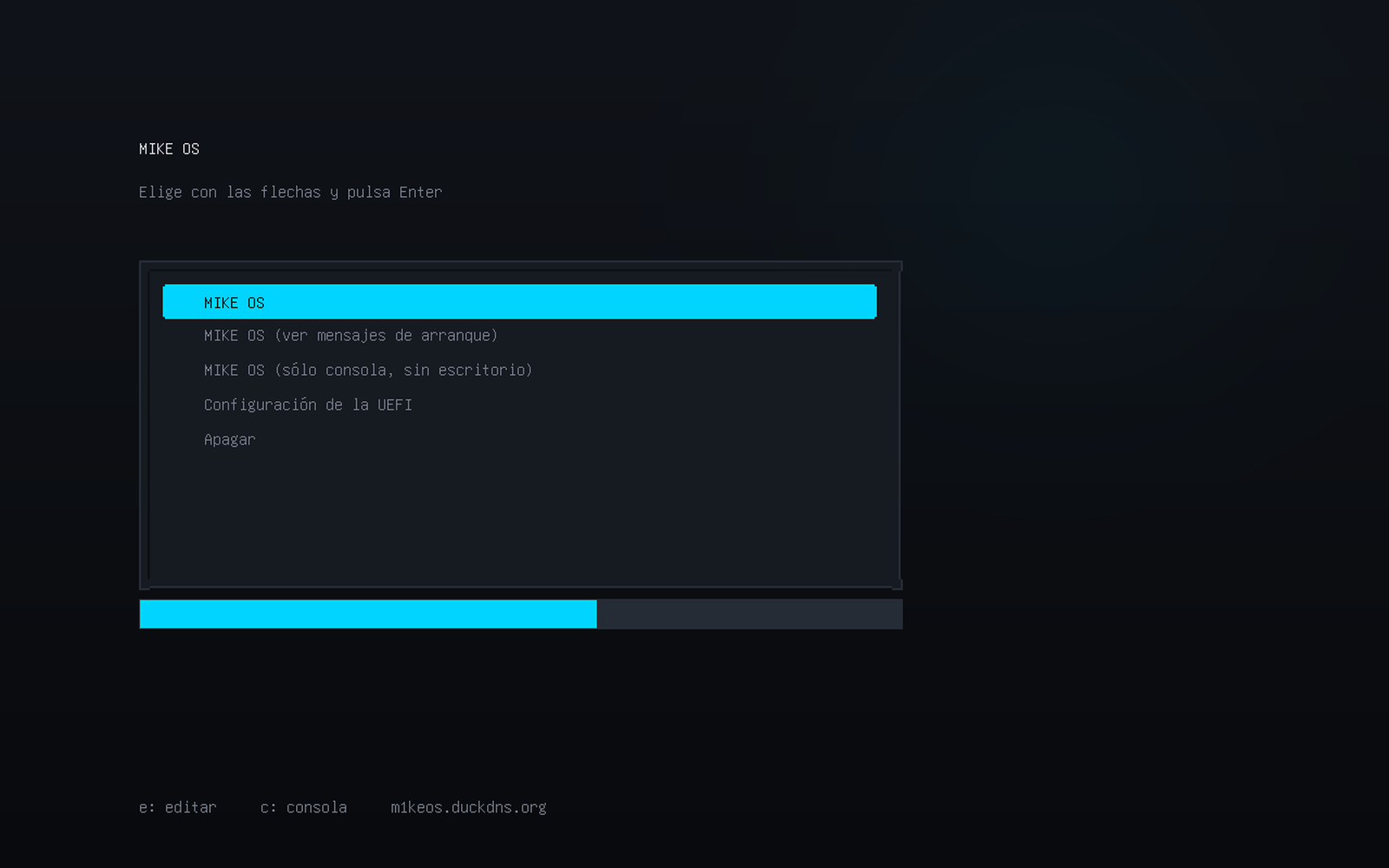
The kernel does not carry Microsoft's signature, so the firmware refuses to run it with Secure Boot on. On most machines you turn it off in the board's setup screen at power-on.
The stick boots to a complete desktop running in memory: it does not touch your disk. When you want to install it, the button is in the welcome window.
This is an alpha, and this list is part of the documentation, not a footnote. If something here would block you, better to know now than with the disk half formatted.
It has to be turned off. The kernel is not signed by Microsoft and will not be any time soon.
It does not boot via BIOS or CSM. On machines older than 2012 it will not work.
The installer can erase, install alongside and replace. To create or resize by hand it brings GParted with mpm install gparted.
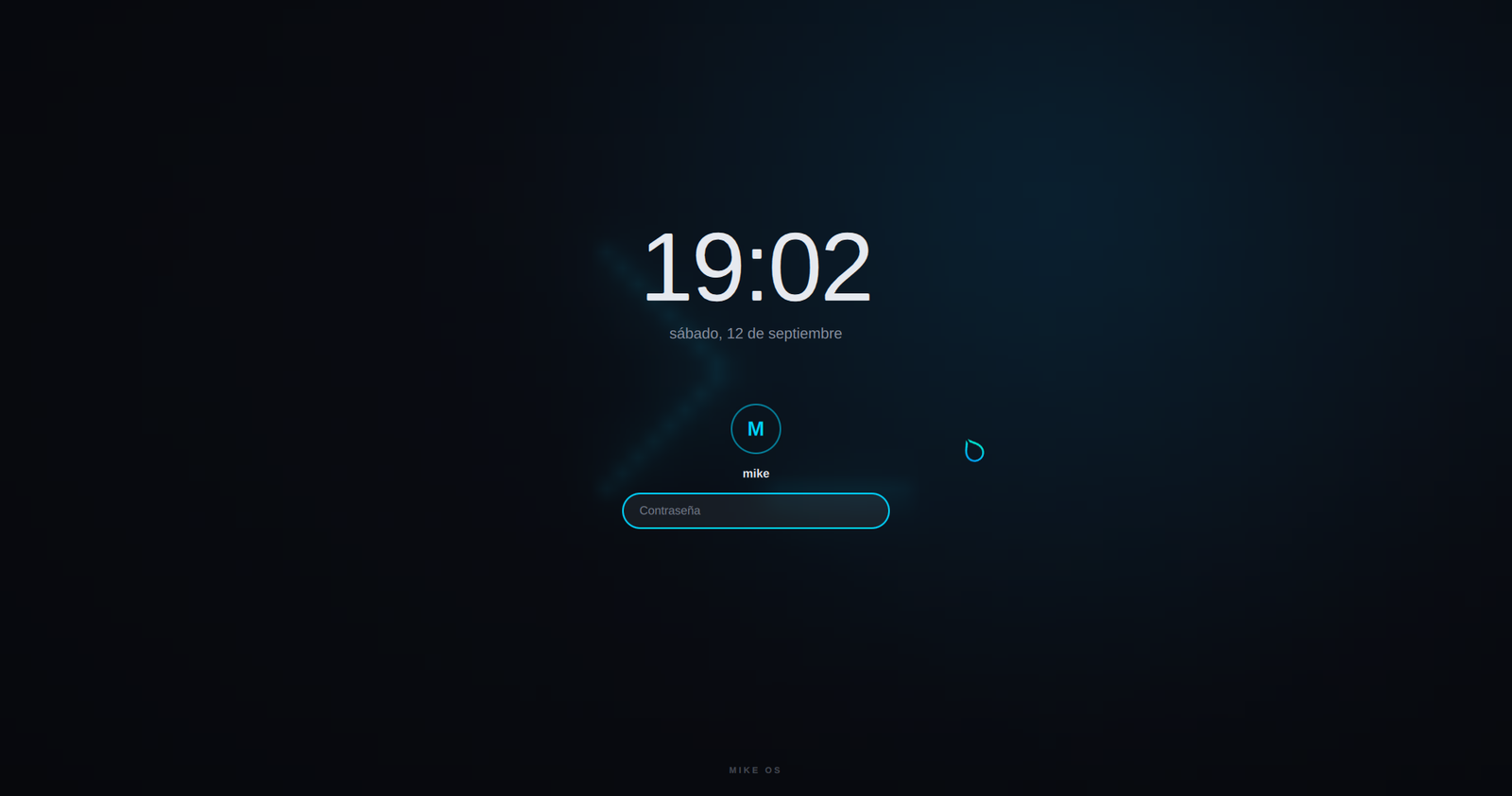
m-sudo gives the account root without asking for a password. The lock screen protects against passers-by, not against someone with time and a keyboard.
Tested on QEMU with real UEFI firmware, and on a Surface Laptop 4. On other physical laptops it is still untested: that is what this release is for.
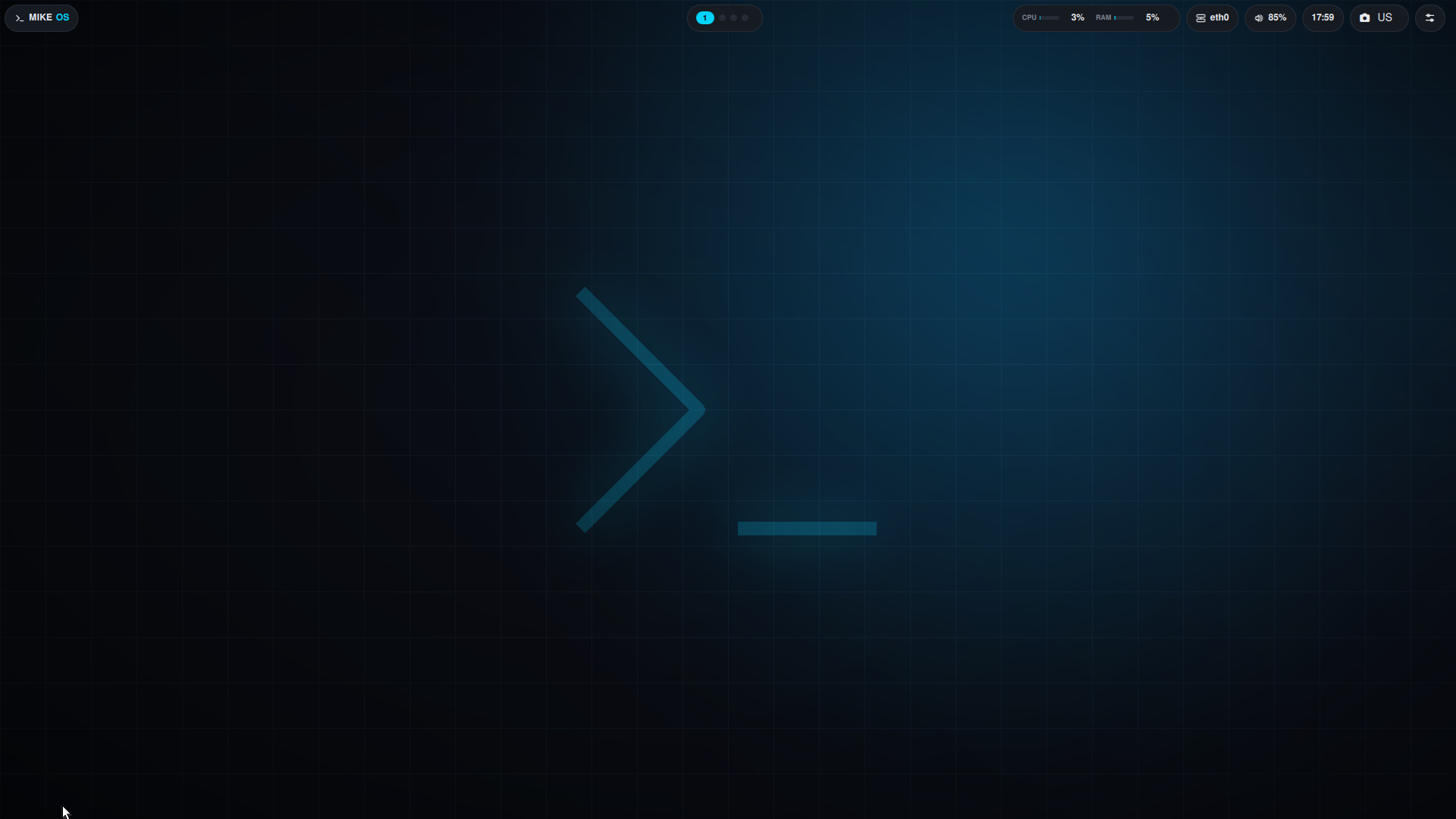
The bar and the Control Centre are written in QML for this system. The bar can go on any edge, change shape, and carry whichever modules you want. The wallpaper can tint the whole palette, terminal included.